admin Gadgets/ Laptop 2026-01-27 20:57:21 111
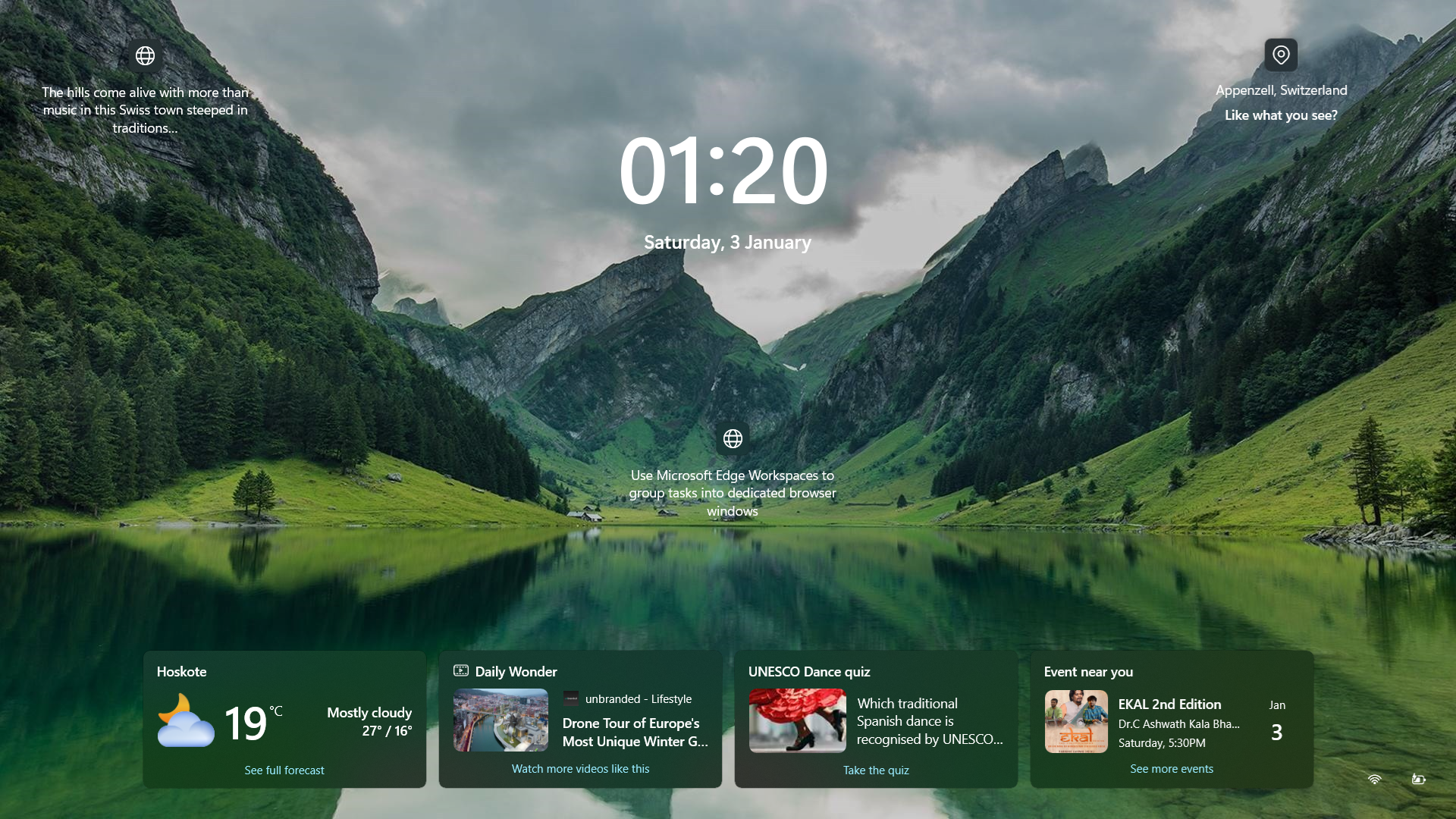
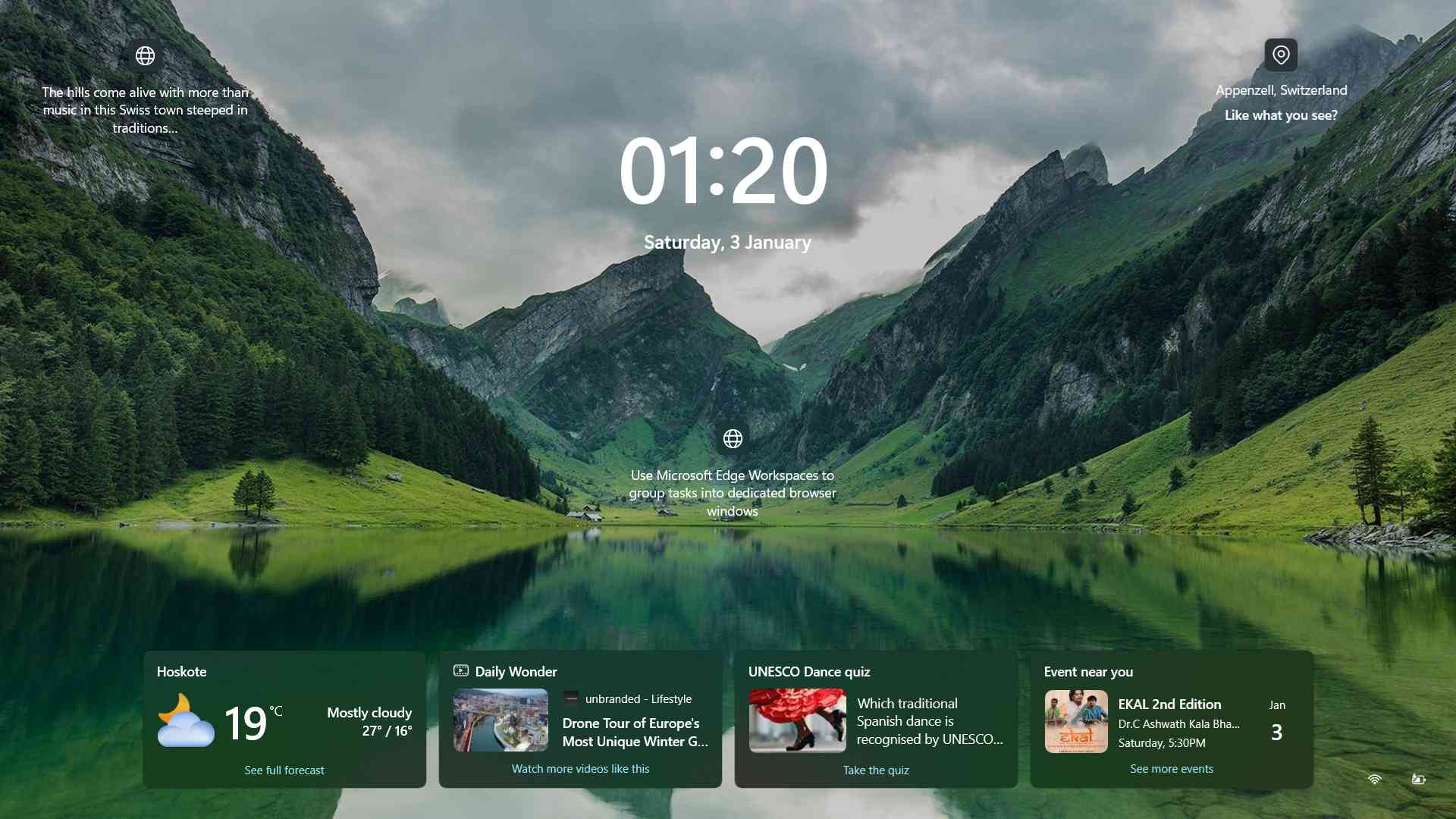
Windows 11 Login screen system does not detect integrated mouse and keyboard
Windows 11 Login screen and here integrated mouse and keyboard is not working.
Need to changes power plan setting to fix this issue. Control panel -> Power options -> Choose what the power button do ( Left side of the screen ) - uncheck "Turn on fast startup ( Recommended )
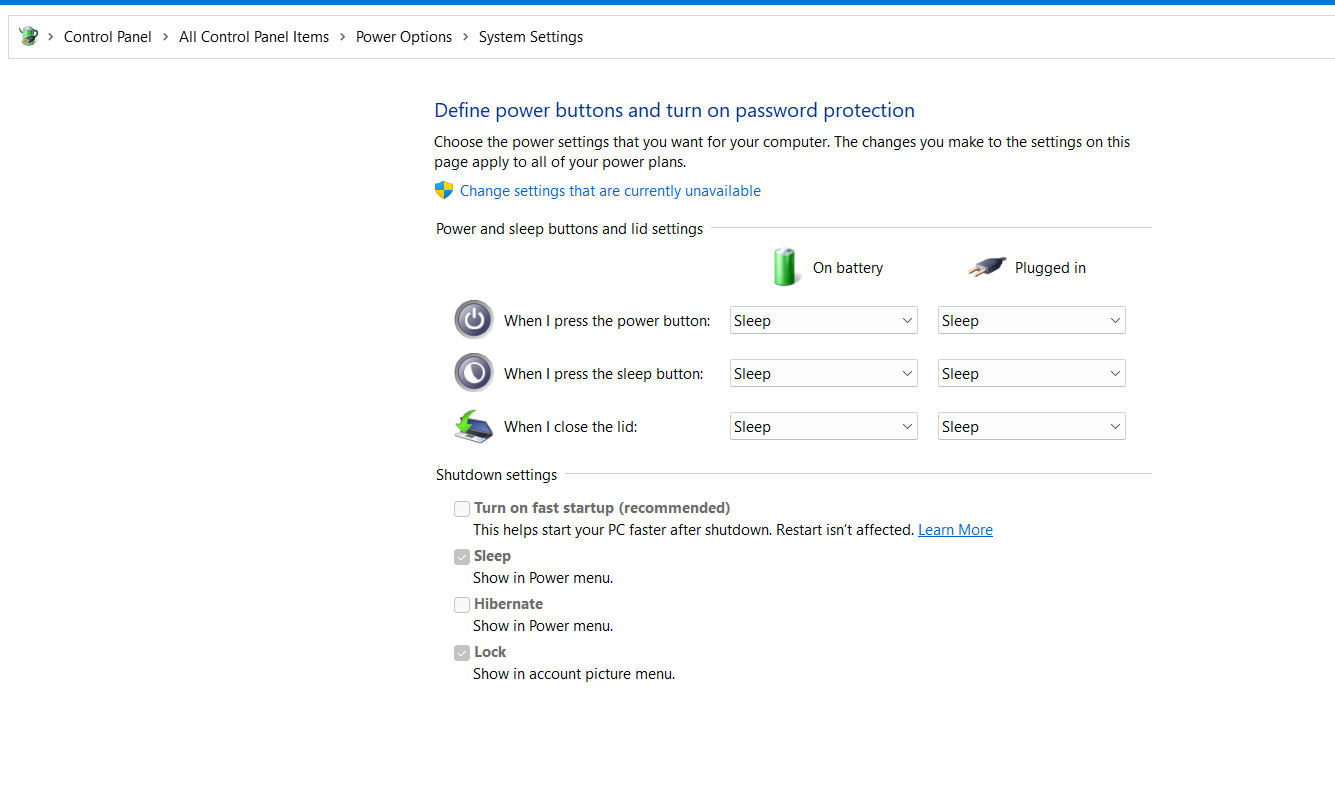
Now restart the system, and it will start working. Hurray !!!!!!
Written by : Mehta Techno, BangaloreNo comments found.
